Support Center
Support & Tutorials
Each guide pairs a short video with written steps. Start with zones and timers, or go straight to a troubleshooting guide if your lights flicker or your box drops off Wi-Fi.
App Tutorials
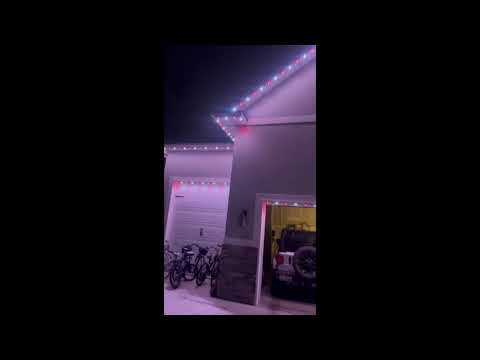
Creating Zones in the TruLight App
Learn how to split your lights into separate zones so different areas of your home can show different colors, patterns, and effects at the same time.
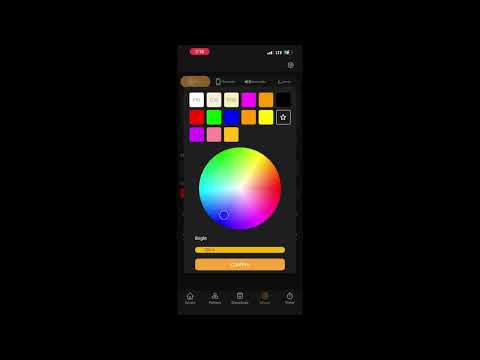
How to Connect TruLight to Music
Get your TruLight lights to dance to music using Bluetooth, the built-in music library, or your phone's microphone.
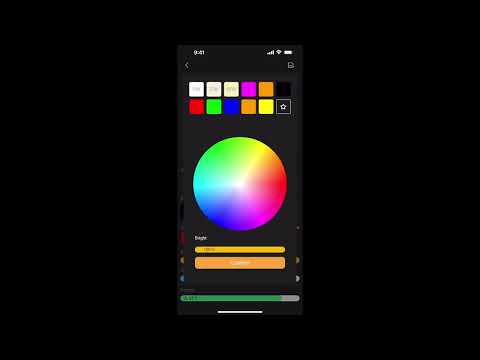
Using and Customizing Light Patterns
Browse, activate, and fully customize light patterns in TruLight, including colors, effects, speed, brightness, and density.
Setting Up Timers in TruLight
Set TruLight timers so your permanent lighting turns on at sunset, turns off at a set time, and repeats every day automatically.
Fixing Weird Lights by Adjusting Port Pixel Counts
Troubleshoot sporadic lights, flickering, or lights stopping after about 100 bulbs by correcting the pixel count settings in TruLight.
Linking Voice Assistants to TruLight
Connect Alexa, Google Assistant, or Siri to control your TruLight lights with voice commands.
Reconnecting Your TruLight Box to Wi-Fi
Reconnect your TruLight controller box to Wi-Fi after changing your network, getting a new router, or experiencing a disconnection.
Updating Your TruLight Box Firmware for the New App
Update the firmware on your TruLight controller box so you can use the new app features, including master zones, custom patterns, and animated effects.
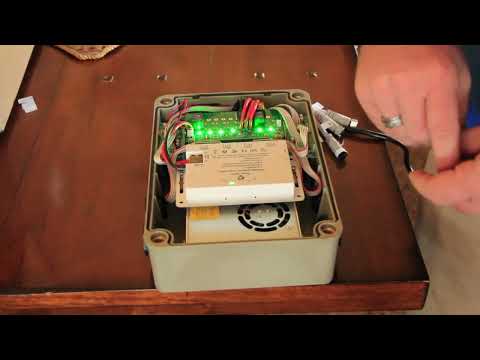
How to Reset Your Controller Box
Learn how to perform a Wi-Fi reset and a full system reset on your TruLight controller box to fix connectivity issues or restore factory settings.
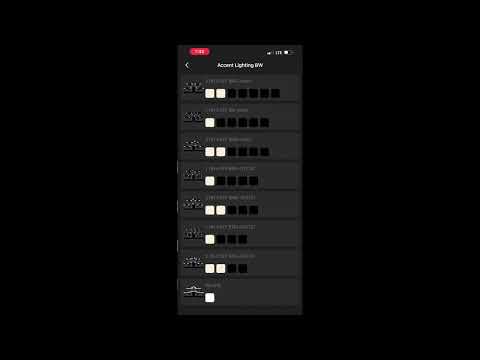
Setting Up Motion Sensors in TruLight
Bind and configure your new TruLight motion sensors so motion triggers your security lighting, including the reboot requirement, naming, zones, vitality periods, and how to test them.
Need Help With Something Else?
Ask the dealer who installed your lights about anything these tutorials do not cover.